Dear Sandbox Users,
From our last upgrade you're probably noticing all of the labs are now represented with new artwork! We have changed the artwork to standardize and simplify finding labs and technology when browsing the catalog.
To help adjust to the new look, check out this short guide to understanding how to interpret the new artwork!
This "tile" is a sample of the Collaboration 10.5 lab:

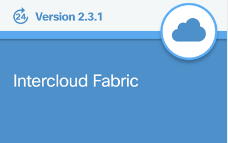
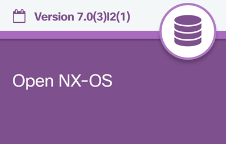
Reservation based labs are represented the calendar, while always on labs will have a "24" logo.
The new colors denote which technology category each lab falls into, and these match with technology colors on DevNet. The information below discusses what technology each Color represents:
Networking: All Dark Blue "Tiles"

Note: this is an example of an always-on lab with the "24" logo in the top left corner.
Collaboration: All Teal Tiles
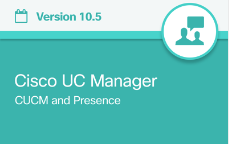
Cloud: All Light Blue Tiles
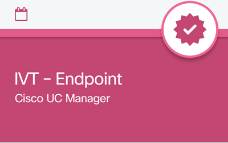
IVT Compatibility Labs: All Pink Tiles
IoT: All Green Tiles

Data Center: All Purple Tiles
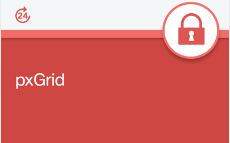
Security: All Red Tiles
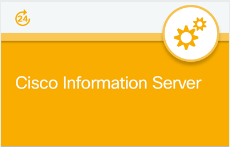
Analytics and Automation Software: All Yellow Tiles
If you're having any difficultly finding a lab or have any questions, don't hesitate to reply to this thready!
Thanks for reading and we hope this helps!
Sincerely,
DevNet Sandbox Team