- Cisco Community
- Webex
- Webex Community
- Webex for Developers
- Re: Join our webinar: Exploring Webex Bots with Messaging Buttons &
- Subscribe to RSS Feed
- Mark Topic as New
- Mark Topic as Read
- Float this Topic for Current User
- Bookmark
- Subscribe
- Mute
- Printer Friendly Page
Join our webinar: Exploring Webex Bots with Messaging Buttons & Cards


- Mark as New
- Bookmark
- Subscribe
- Mute
- Subscribe to RSS Feed
- Permalink
- Report Inappropriate Content
10-06-2023 09:31 AM
Exploring Webex Messaging Bots and Buttons & Cards
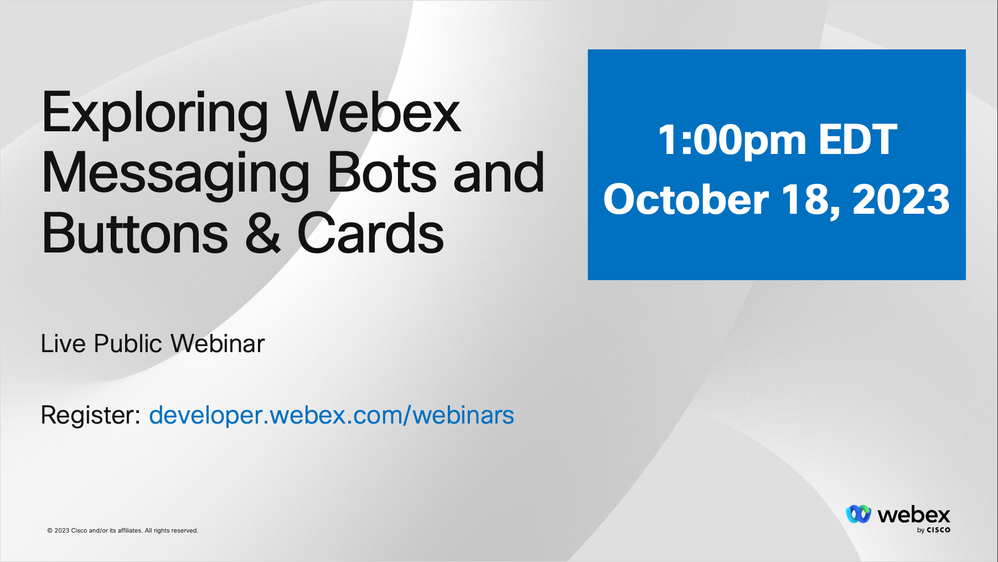
Hello Developers! Let's get to know the Webex messaging platform!
Secure your spot NOW: https://developer.webex.com/webinars
On October 18, 2023 at 1:00pm EDT, join us for an informative webinar on the capabilities and potential of Webex Bots with Buttons & Cards inside Webex Messaging. In this session we’ll explore how developers can create amazing bot interactions, add rich customization to communications, and more.
- Labels:
-
Webex Developer

- Mark as New
- Bookmark
- Subscribe
- Mute
- Subscribe to RSS Feed
- Permalink
- Report Inappropriate Content
04-07-2026 12:28 PM
Was this webinar recorded? If yes, can you share the link?
I couldn't understand the Action "Toggle Visibility". When I add that to my card and send it, a blank card is sent.



- Mark as New
- Bookmark
- Subscribe
- Mute
- Subscribe to RSS Feed
- Permalink
- Report Inappropriate Content
10-11-2023 02:00 AM
I would really like to see:
- how to traverse a menu (click one of these 3 options, then be able to go back to the first menu)
- how to take input data (enter phone number, or something like that)
- how to call an API with user's data (email address from userID for example, be able to look up the user's info)
- how to create a "Call me" action into Webex call center (or UCCX or something). Have a person/student/customer request a callback from a call center.
- Mark as New
- Bookmark
- Subscribe
- Mute
- Subscribe to RSS Feed
- Permalink
- Report Inappropriate Content
10-30-2023 06:49 AM
I hope you received the information you were looking for in the webinar. Please let us know if you have any questions!

- Mark as New
- Bookmark
- Subscribe
- Mute
- Subscribe to RSS Feed
- Permalink
- Report Inappropriate Content
10-09-2023 05:42 AM - edited 10-09-2023 05:42 AM
Great!

Discover and save your favorite ideas. Come back to expert answers, step-by-step guides, recent topics, and more.
New here? Get started with these tips. How to use Community New member guide